During an introductory phase, Masterclass products at GBES.com are offered to users with an option to pre-register – or “save their spot.” A Save Your Spot widget, enabled by template tag within a product-single template-part, coded separately replaces the default product-sidebar add-to-cart. On click, the screen animates to a position
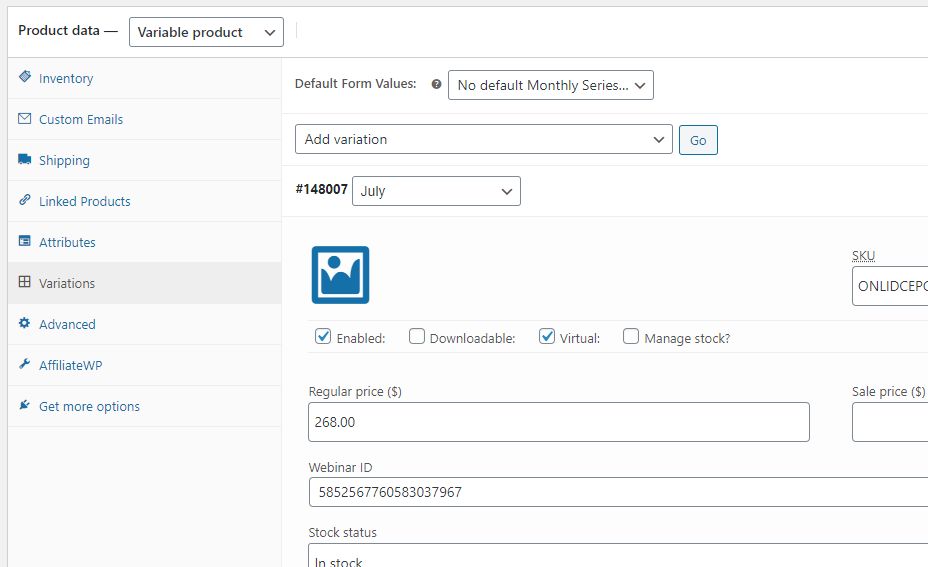
The objective is simply to have a completed sale via WooCommerce automatically register the customer for a webinar at GoToWebinar.com. The two main complicating factors are 1) GTW’s complicated API, which requires multiple authentication steps, including the re-acquisition of time-limited tokens via a custom GTW app, and 2) addition of
Answer to Stack Overflow question: The following works for me in my test installation: Now, you don’t have search the product slug as I have done here, necessarily: There are other variables that, depending in part on your installation design, may distinguish one set of variable products from another. By
Answer at Stackoverflow: What I think you’ll want to do, assuming your installation is a somewhat standard WooC installation, is utilize the loop item action hook to add the desired on-hover image. Preliminary CSS: /* CUSTOM ON-HOVER IMAGE */ .woocommerce ul.products li.product a img { /* FORMAT ALL IMAGES TO