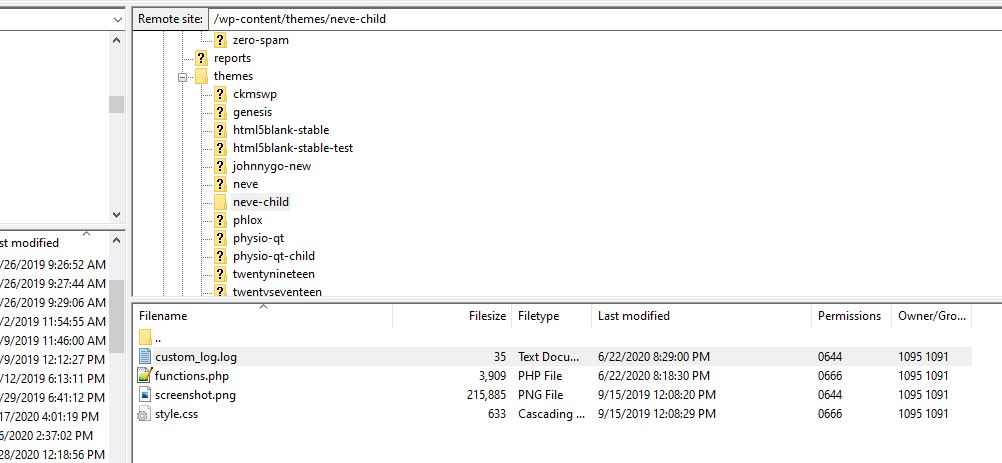
I end up adding a version of this to many jobs – virtually all of the ones that involve custom, original PHP coding that I don’t happen to get exactly right the first time. The place where I ran across it originally no longer seems accessbile, and the main addition
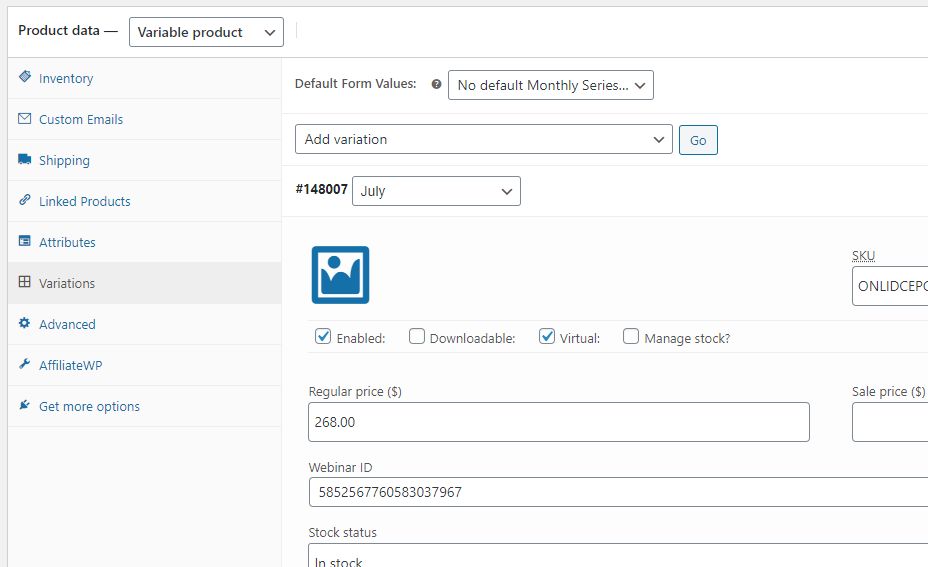
The objective is simply to have a completed sale via WooCommerce automatically register the customer for a webinar at GoToWebinar.com. The two main complicating factors are 1) GTW’s complicated API, which requires multiple authentication steps, including the re-acquisition of time-limited tokens via a custom GTW app, and 2) addition of
First of several posts intended to document this job…
Answer to Stack Overflow Question: The key for user registered date (actually date and time) is user_registered. It’s saved as a string in Y-m-d H:i:s format. “DD/MM/YYYY” isn’t a PHP/Wordpress date format, but I think you mean d/m/Y. How you extract the data will depend on how you’re getting the
Answer to Stack Overflow question: The following works for me in my test installation: Now, you don’t have search the product slug as I have done here, necessarily: There are other variables that, depending in part on your installation design, may distinguish one set of variable products from another. By
Answer at Stackoverflow: What I think you’ll want to do, assuming your installation is a somewhat standard WooC installation, is utilize the loop item action hook to add the desired on-hover image. Preliminary CSS: /* CUSTOM ON-HOVER IMAGE */ .woocommerce ul.products li.product a img { /* FORMAT ALL IMAGES TO
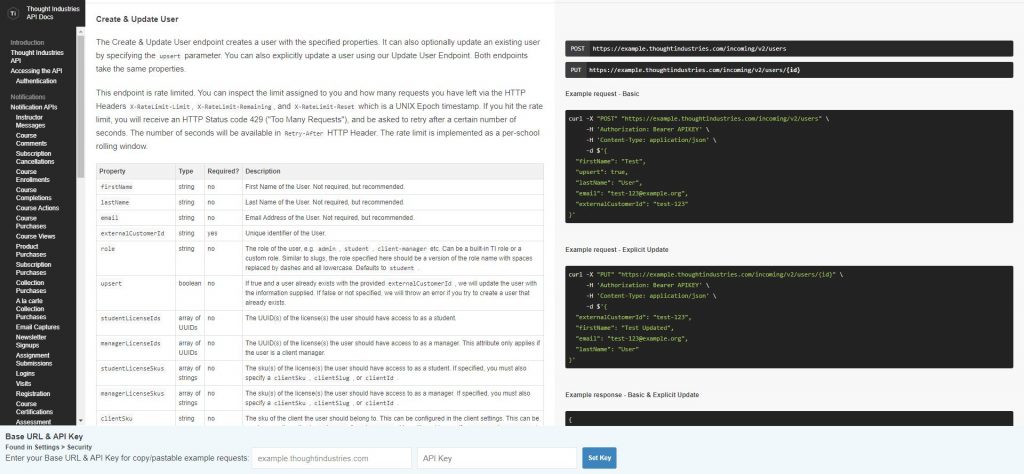
/** * SET SUBSCRIPTION ACCESS AT REMOTE API * Utilizes “PUT” method * {{}} = contents provided by API host/administration, remove brackets when replacing * @ int $user_id * @ string $course_slug */ function set_subscription_at_remote_api( $user_id, $course_slug ) { $user_email = get_userdata( $user_id )->user_email ; $data = wp_json_encode( array( ’email’